Unleash Your Creativity: The Ultimate Beginner's Guide to Battlefield 2042 Portal
Battlefield 2042's Portal mode offers an incredible sandbox for player creativity, allowing you to craft unique experiences by remixing classic and modern Battlefield warfare.
In the sprawling, chaotic world of Battlefield 2042, one mode stands out as a true sandbox for player imagination: Portal ✨. Forget just playing the game; Portal hands you the tools to create it. This custom game editor, complete with its own visual scripting language, allows players to remix classic Battlefield DNA with modern warfare, crafting unique experiences to share with friends and the wider community. It’s where nostalgia meets innovation, letting you wage war on remastered maps from BF1942, Bad Company 2, and Battlefield 3, all while wielding a toolkit powerful enough to bend the game’s rules to your will. Whether you're a creative director at heart or just looking for wild new ways to play, this is your gateway to the endless possibilities of Portal.
🚀 How to Get Started with Portal
Creating your own Portal server doesn't require a degree in game design. In fact, you don't even need to own Battlefield 2042 to start designing! The entire creative process happens in your web browser at portal.battlefield.com. Here’s your launch checklist:
-
Visit the Portal Website: This is your command center.
-
Choose a Game Mode: Your foundational choice (more on this later).
-
Tweak Every Setting Imaginable: From player counts to weapon damage.
-
Save & Share: Click the folder icon, name your mode, and hit "Save."
Once saved, you get a unique Share Code. This is your mode's passport! Share it with friends, and anyone can host a server with your creation. It’s that simple to go from idea to live battlefield.
Playing on Player-Created Servers
Not in the mood to build? No problem! The in-game Portal server browser is a treasure trove of community creativity. 🔍
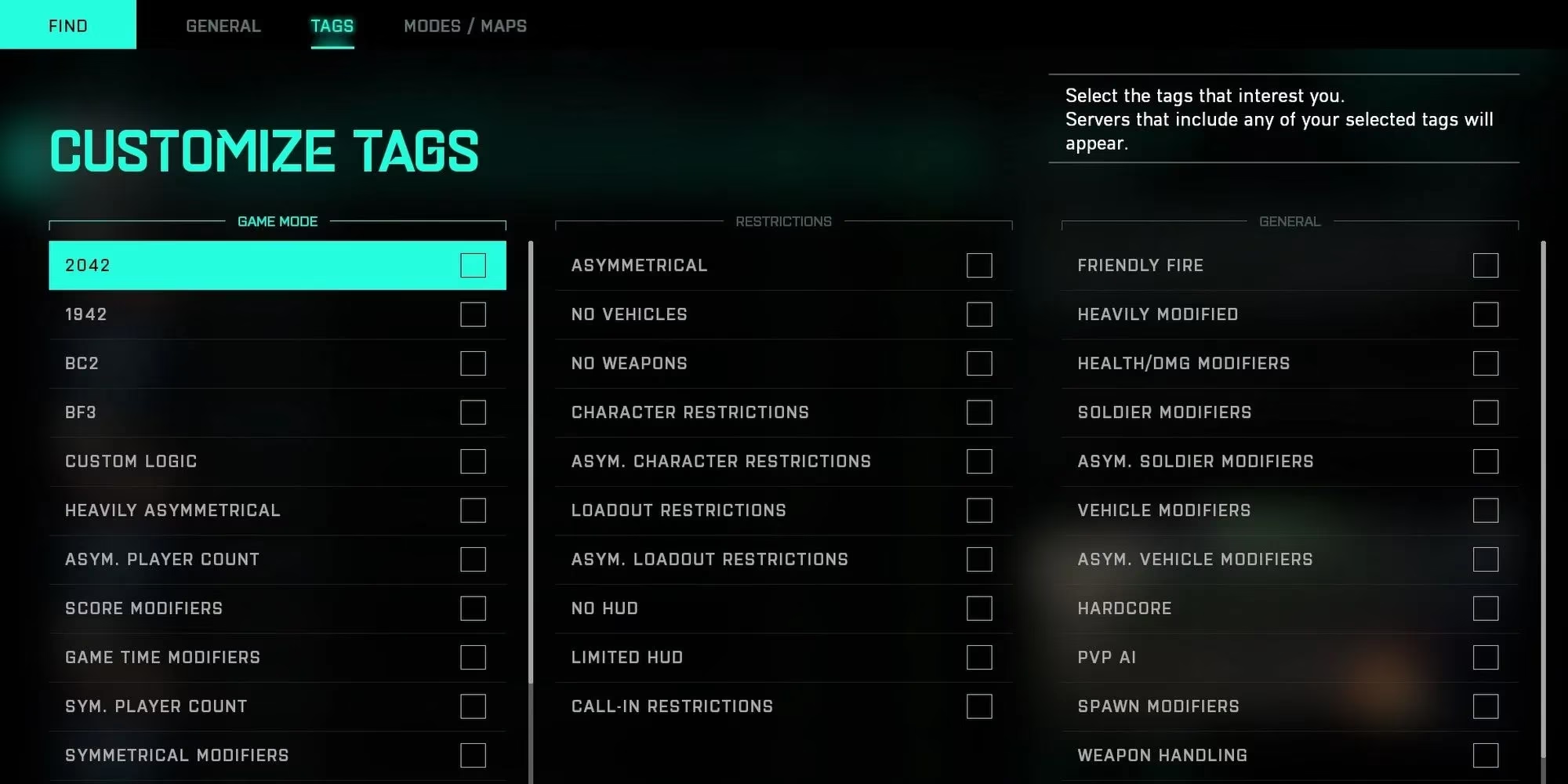
Jump into the Portal menu in BF2042 and you can browse hundreds of player-made experiences. Use filters to find the perfect match:
-
Server Name
-
Player Count
-
Ping/Latency
-
Custom Tags (like "Pistols Only" or "Zombies")
Pro Tip: Most servers auto-cycle to a new match. Don't quit during the post-game screen—stick around for the next round of mayhem! 🤘
⚙️ Diving Deep: Portal's Core Options
This is where Portal shines. The level of control is staggering. Let's break down the main settings you'll be playing with.
🎮 Picking Your Game Mode
Your first and most crucial decision. Each mode defines the core rules of engagement.
| Mode | Player Count | Core Objective | Logic Editor Support? |
|---|---|---|---|
| Rush | 32v32 | Attackers arm/defend M-Com stations. | No |
| Conquest | 32v32 | Capture and hold flags on medium maps. | No |
| Conquest Large | 64v64 | Large-scale flag warfare on big maps. (PC/Current-Gen Only) | No |
| Team Deathmatch | Varies | Get the most kills. Infantry-focused by default. | YES ✅ |
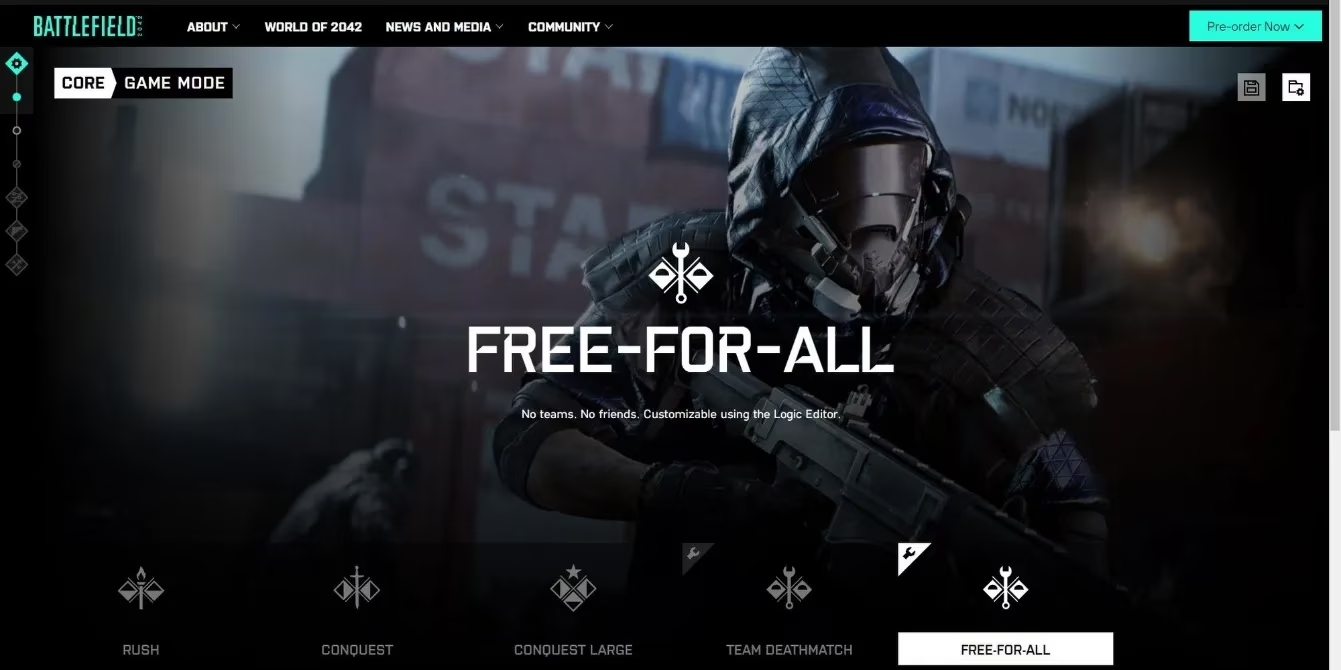
| Free-for-All | Varies | Every soldier for themselves. | YES ✅ |
Note: The powerful Logic Editor is only available for TDM and FFA modes, opening the door to truly custom game types.
️ Map Rotation & Game Mode Details
After choosing a mode, you'll select which maps are in the rotation. Want a 24/7 Metro grindfest? Go for it!
The Game Mode Details section lets you fine-tune:
-
Max Player Count
-
Squad Size & Behavior
-
Match Timer & Score Limits
-
Basic Scoring Rules
🔧 The Modifiers Tab: Your Sandbox Toolkit
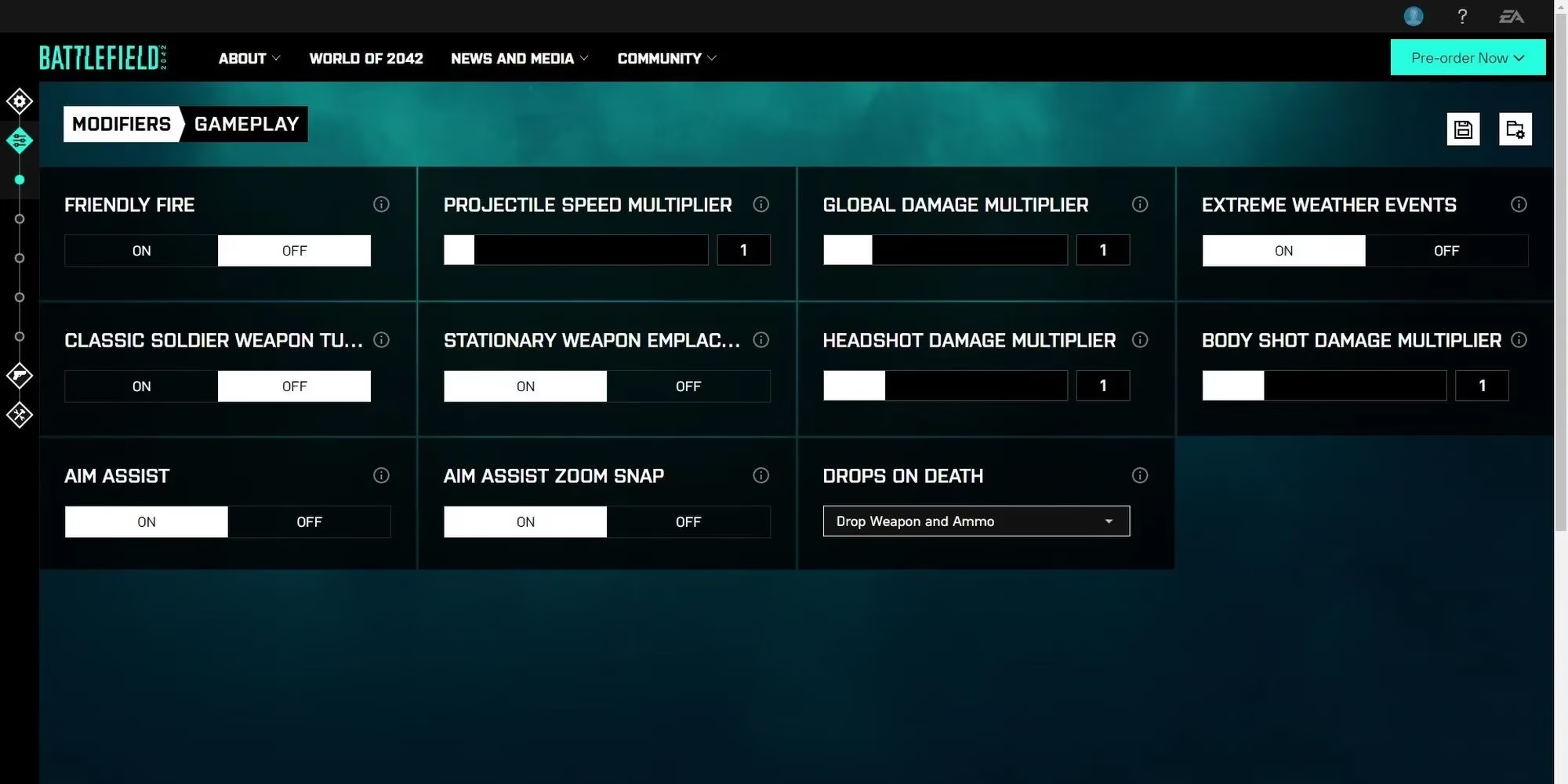
This is the heart of customizing the feel of your game. The Modifiers tab is split into intuitive categories:
-
Gameplay: Tweak weapon damage, projectile speed, friendly fire, and aim assist. Make bullets travel at a snail's pace for a hilarious slow-mo battle! 🐌
-
Soldier: Alter health, movement (disable sprinting or sliding!), Man-Down state duration, and redeploy timers.
-
Vehicle: Control spawn rates, vehicle health, and even lock players inside! Create a tanks-only mayhem server.
-
Player UI: Turn off the HUD, mini-map, compass, or the Plus System for a hardcore, immersive experience.
-
AI: Adjust bot difficulty (Beginner to Advanced), numbers, and their individual stats. Perfect for creating PvE horde modes.
🔒 The Restrictions Menu: Curating Your Arsenal
Want a WWII-only server with just bolt-action rifles? This is your menu.
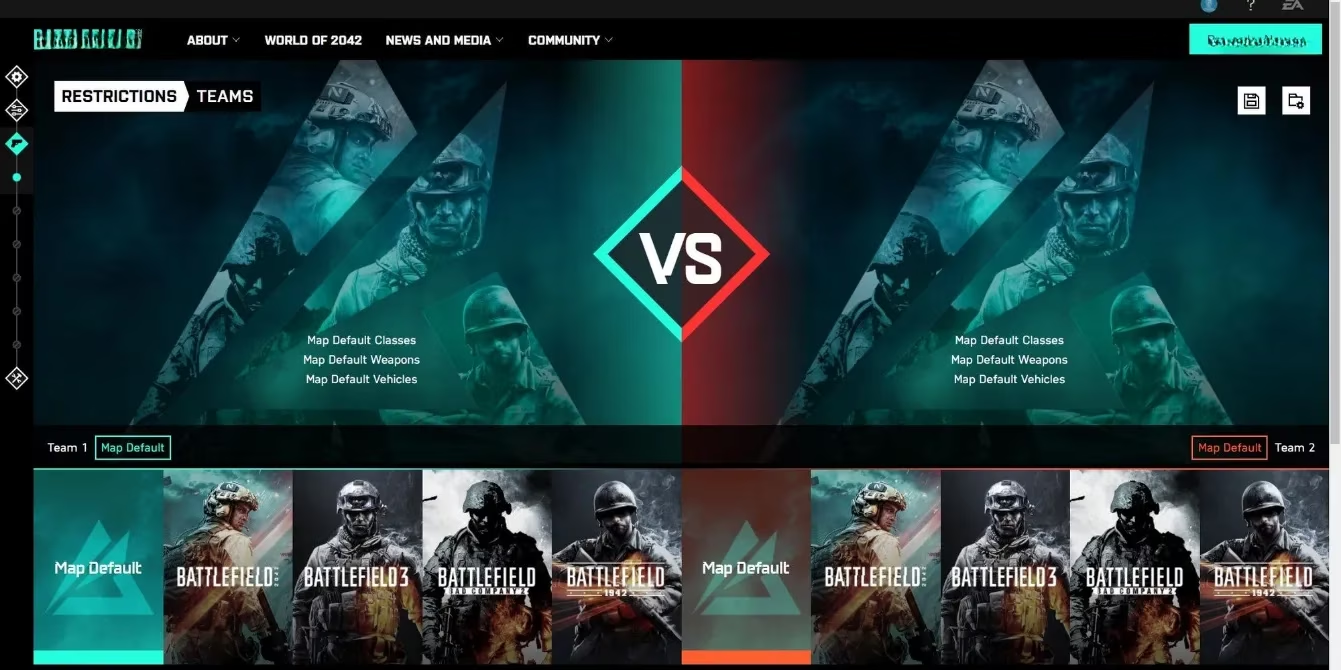
You can restrict:
-
Weapons & Attachments: Ban specific guns or all modern optics.
-
Vehicles: Allow only jeeps and planes, no tanks.
-
Specialists: Limit the roster to classic classes.
-
Era: This is the magic switch! Set your server to pull assets from:
-
BF2042 (Modern/Near-Future)
-
BF1942 (Classic WWII)
-
Bad Company 2
-
Battlefield 3
-
Mix and match eras for the ultimate crossover battle!
💻 Mastering the Logic Editor (For TDM & FFA)
Ready to become a true game designer? The Logic Editor is a visual programming tool that looks complex but is surprisingly approachable.
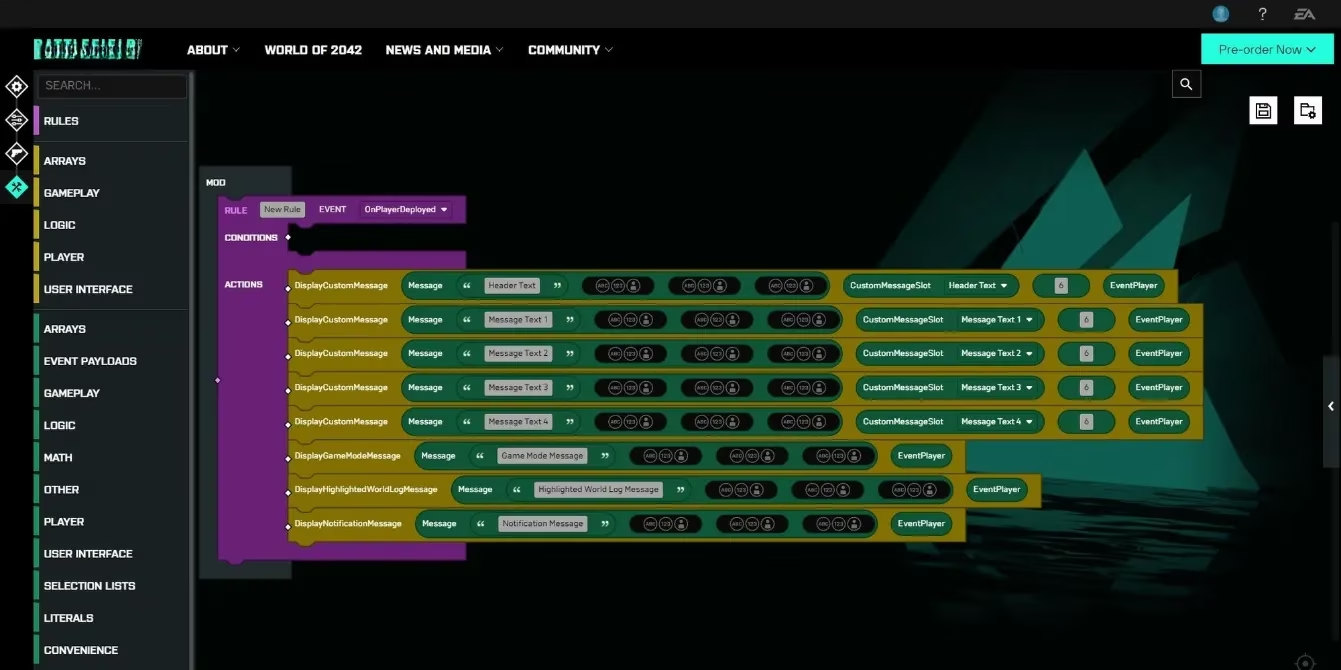
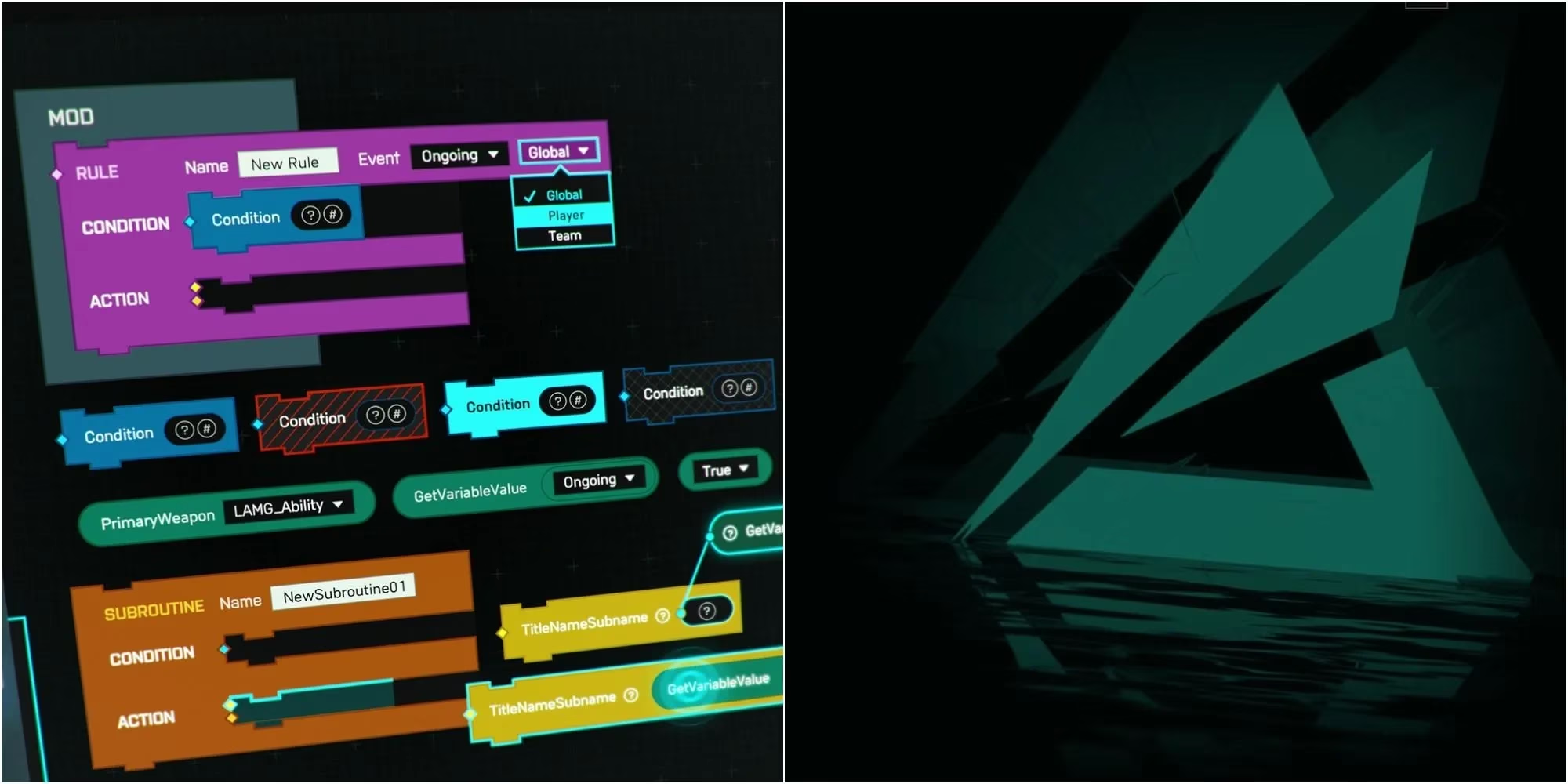
When you open it, you'll see two main blocks:
-
Mod (Grey Box): This is the container. Any Rule blocks placed inside it will be active.
-
Rule (Purple Block): This is where you build your logic. It has two key parts:
-
Event (Top-Right): The trigger that makes the rule run (e.g., "OnPlayerSpawn," "OnPlayerKill").
-
Action (Main Body): The thing that happens when the trigger fires.
-
🧪 Your First Script: "Hello, World!"
Let’s create a simple welcome message that appears when a player spawns.
-
Set the Trigger: Click on the "Ongoing" dropdown in your Rule block's Event section and select
OnPlayerDeployed. -
Add the Action: Use the search bar on the left to find the
DisplayCustomMessagenode (it's yellow). Drag it into the Action area. -
Fill the Parameters: This node has empty slots with icons. Right-click it and select "Help" to see what it needs.
-
For Message, drag in a "Text" node (from the "Literal" category) and type
"Welcome to My Server!". -
For CustomMessageSlotItem, any slot number works.
-
For Duration, drag in a "Number" node. Set it to
5for 5 seconds, or-1to make it permanent! -
For Player/TeamID, use a "GetPlayers" node to show it to everyone.
-
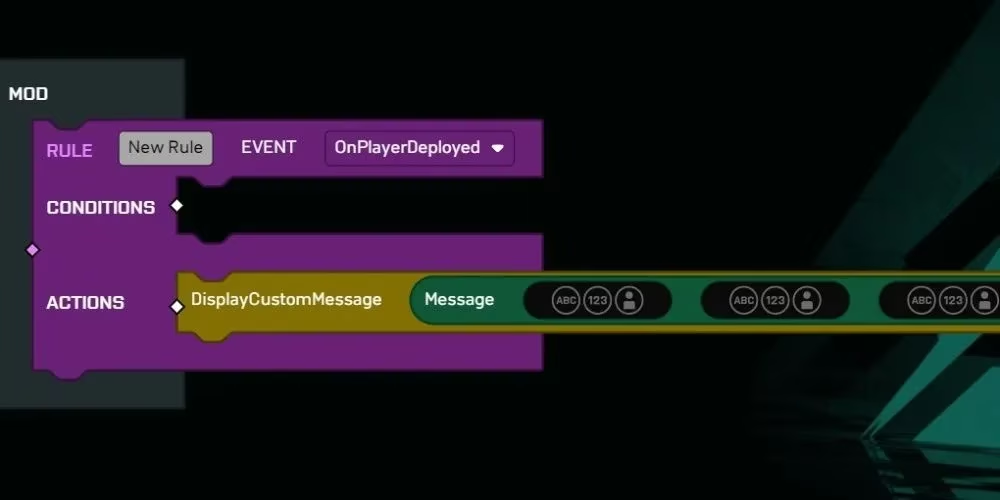
Save your mode, boot it up in-game, and watch your message appear! You’ve just written your first script.
🧩 Understanding Nodes & Icons
The editor uses colored nodes and icons to represent different data types. Don't memorize them—use the "Help" feature! Here’s a quick cheat sheet:
| Icon | Name | Purpose |
|---|---|---|
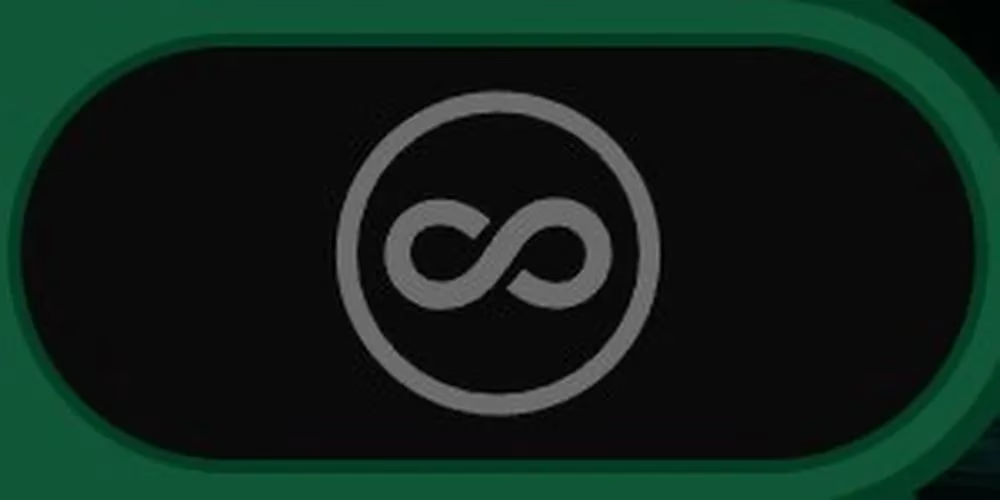 |
Any | Accepts any input type. |
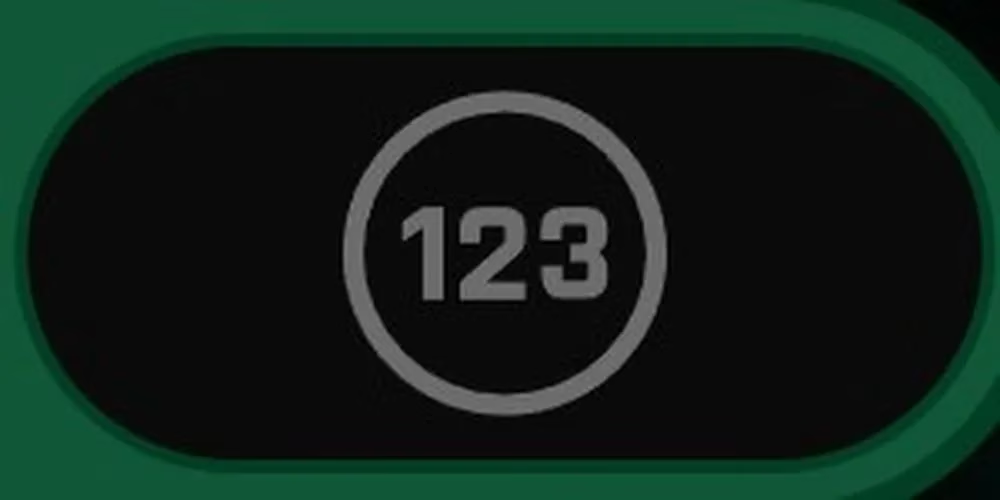 |
Number | For numerical values (damage, timers, scores). |
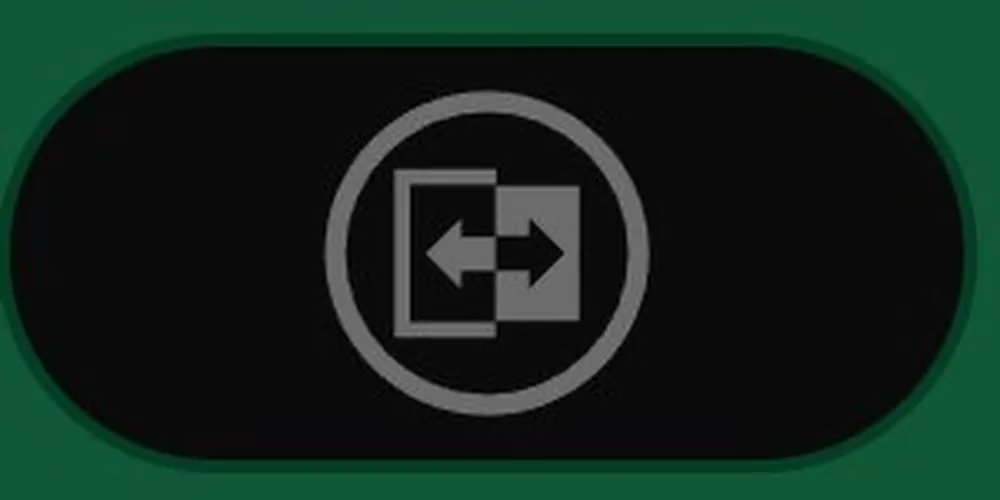 |
Boolean | True/False values (e.g., Enable/Disable). |
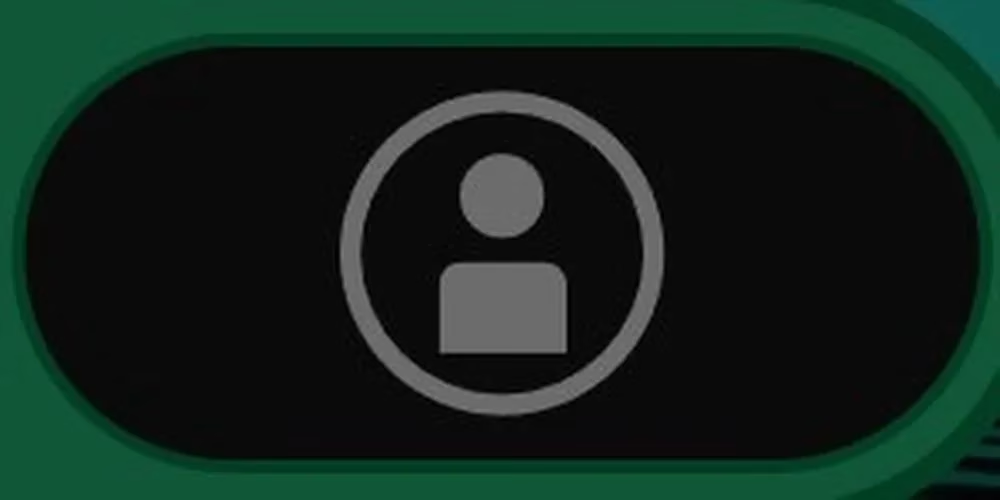 |
Player | References a specific player. |
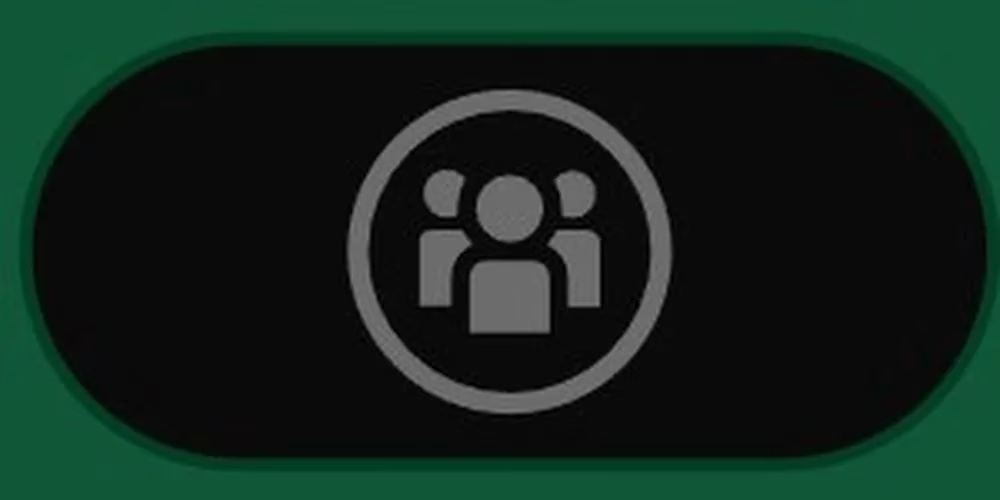 |
Team | References a team (Team 1 or 2). |
🚀 Pro Tips for Logic Editor Wizards
.jpg)
-
Use Subroutines (Orange Blocks): Break complex code into reusable chunks. Makes everything cleaner!
-
Name Your Rule Blocks: Double-click a Rule's title to rename it. "Spawn Zombie Power-Up" is clearer than "Rule 12."
-
Enable Vehicles in TDM/FFA: Want tanks in Deathmatch? Go to the main Modifiers > Vehicle tab (not the Logic Editor) and set "Combat Vehicle Spawn Type" to "Spawn on Map."
-
Avoid Infinite Loops: Be careful with "While" loops! Always include a "Break" condition, or you might crash the server. 💥
-
Record Custom Locations: Use vector scripts to save specific map coordinates for custom spawn points or objectives.
✨ Final Thoughts
Battlefield 2042's Portal is more than a game mode; it's a platform. It empowers players to be curators, designers, and storytellers. Whether you're recreating iconic moments from Battlefield's past, inventing ridiculous party games for friends, or engineering complex competitive experiences, the only limit is your imagination. So dive into portal.battlefield.com, start experimenting, and share your creations with the world. The next great Battlefield moment might be one you design yourself. Happy creating! ️💥
Ready for more? Check out our complete guides on Specialists, weapon tier lists, and mastering All-Out Warfare to round out your Battlefield 2042 expertise!
0 Comments